How to Automate GA4 + GTM Tracking with AI (From Plan to Deployment)

Most teams don’t struggle with just one part of tracking — they struggle with the entire workflow.
From figuring out what to track, to turning that into a structured GA4 tracking plan, to implementing everything in Google Tag Manager, debugging issues, and making sure it still works weeks later — each step is manageable on its own. But together, they become slow, manual, and fragile.
That’s exactly the gap AI-driven tracking workflows are starting to close.

The real problem with GA4 + GTM tracking
If you’ve worked with GA4 and GTM, you’ve probably seen the same pattern repeat itself across projects.
Tracking plans are often incomplete or inconsistent. GTM setup takes longer than expected. Debugging is manual and difficult to standardize. And even after everything is deployed, tracking quietly breaks over time without anyone noticing.
This isn’t just a tooling issue — it’s a workflow problem.
Today, most tracking workflows are still:
● fragmented across multiple tools
● heavily manual
● difficult to maintain over time
Which is why even experienced teams struggle to keep data clean and reliable.
From fragmented steps to a continuous workflow
Instead of treating tracking as separate steps, a newer approach is to turn it into a continuous workflow:
Analyze → Plan → Deploy → Test → Maintain
In this model, you’re not jumping between tools or restarting from scratch at every step. You define what you want, and the system carries that intent through the entire process — from generating a tracking plan to GTM automation and ongoing validation.
This is where tools like JTracking Skill come in, acting as a layer that connects planning, implementation, and maintenance into one flow.
The core GA4 tracking workflows (automated)
In practice, most teams use this kind of setup in a few core scenarios.
1. Generating a tracking plan from a real website
Everything starts with the tracking plan — and this is also where most issues begin.
Turning a live website into a structured event schema usually requires manually reviewing pages, identifying meaningful user actions, deciding what matters for the business, and making sure nothing is missed. The result is often inconsistent across projects.
With an AI tracking plan generator, this step becomes much more structured. Instead of starting from assumptions, you start from the actual website — its page structure and real user flows — and generate a GA4-ready event schema that can be reviewed and refined.
2. Moving from plan to GTM implementation
Having a tracking plan is one thing. Turning it into a working GTM setup is another.
This step typically involves creating tags, triggers, and variables, mapping events correctly, handling edge cases, and debugging issues when things don’t fire as expected. It requires experience, and it takes time.
With GTM automation, this process can be significantly reduced. Instead of manually configuring everything inside Google Tag Manager, you define your intent — what to track, what matters most — and generate a ready-to-deploy configuration.
The workflow becomes much simpler:
● define tracking intent
● generate GTM configuration
● validate before deployment
3. Auditing existing tracking setups
Not every project starts from scratch. In many cases, you’re working with an existing setup that may or may not be reliable.
You might be dealing with unclear event structures, outdated configurations, or partial implementations. Before making changes, you need to understand whether the current setup is worth fixing — or if it’s better to rebuild.
An AI-based tracking audit can quickly provide:
● a structured view of the current GTM setup
● identified gaps and inconsistencies
● a clear direction (repair vs rebuild)
This removes a large amount of manual review work.
4. Ongoing tracking maintenance and monitoring
One of the most overlooked parts of tracking is what happens after deployment.
Even well-implemented tracking doesn’t stay correct forever. Pages change, elements move, user flows evolve — and tracking breaks silently. Most teams only notice after the data is already compromised.
With automated tracking upkeep, tracking becomes something that is continuously checked and improved. Instead of “set once and forget,” you can periodically validate whether events still fire correctly and detect drift early.
Additional workflows
Beyond the core scenarios, there are also more focused use cases that come up in real projects.
For example, continuing an existing tracking setup without starting over, refining event structures as the product evolves, or handling platform-specific setups like Shopify tracking.
These workflows matter because tracking is rarely a one-time task — it’s something that evolves with the product.
Who this is for
This approach works best for teams that already have some understanding of tracking, but want to move faster and reduce manual work.
Typically, that includes:
● founders managing their own analytics
● agencies implementing tracking for multiple clients
● marketers responsible for data quality and reporting
Especially for teams without dedicated analytics engineers, combining AI tracking + GTM automation can significantly reduce workload.
Why this approach works
Most tools today focus on a single part of the tracking process — generating a plan, configuring GTM, or debugging issues.
What’s different here is the ability to connect everything into one continuous flow:
Plan → Setup → Test → Maintain
And more importantly, to keep context across steps.
That’s what makes it possible to move faster without sacrificing data quality.
Try it
If you want to explore this workflow yourself, you can try it here:
 jtrackingai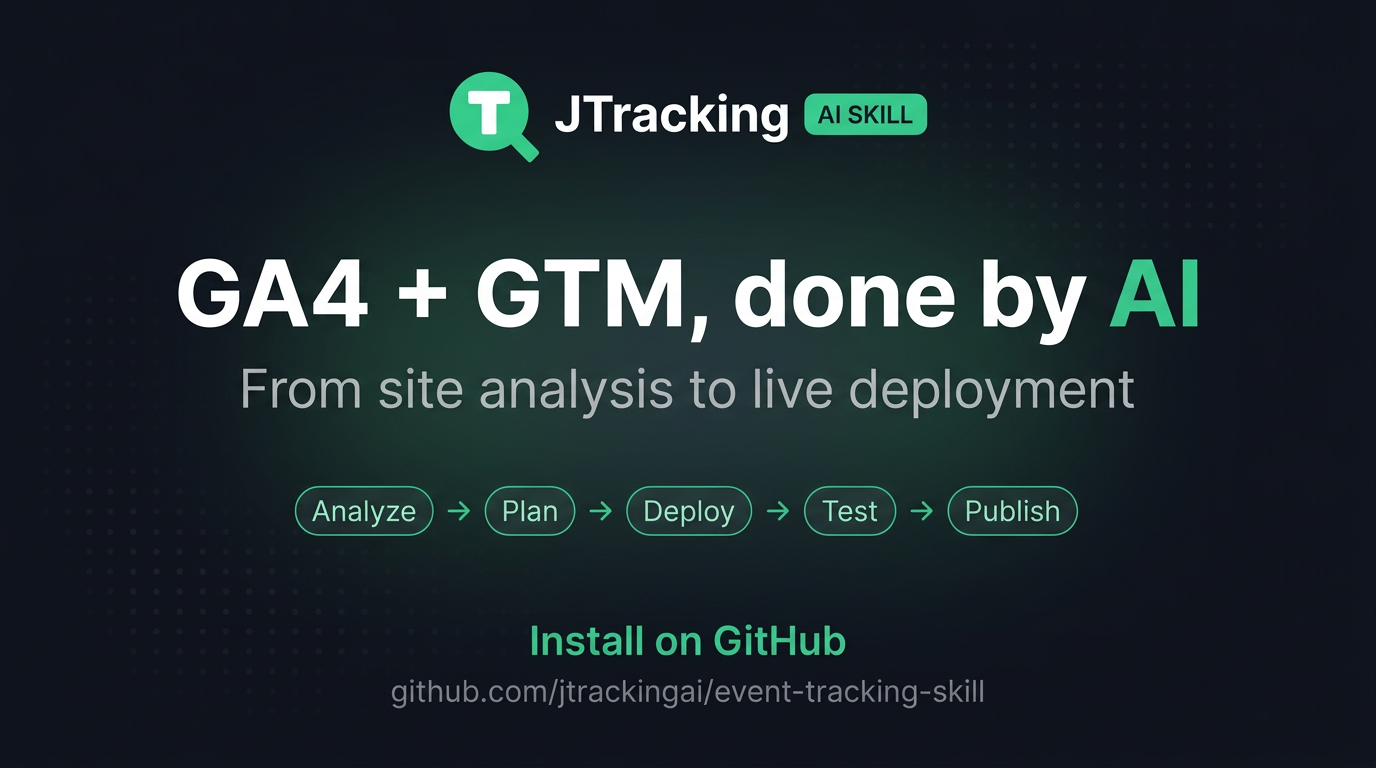
Start with a real website, and go from tracking plan generation to GTM setup, validation, and ongoing monitoring — all in one flow.